
Products
Turn one photo into a short motion preview
A practical guide to turning one image into a short motion clip, when a small browser preview is enough, and when a full AI video editor fits better.
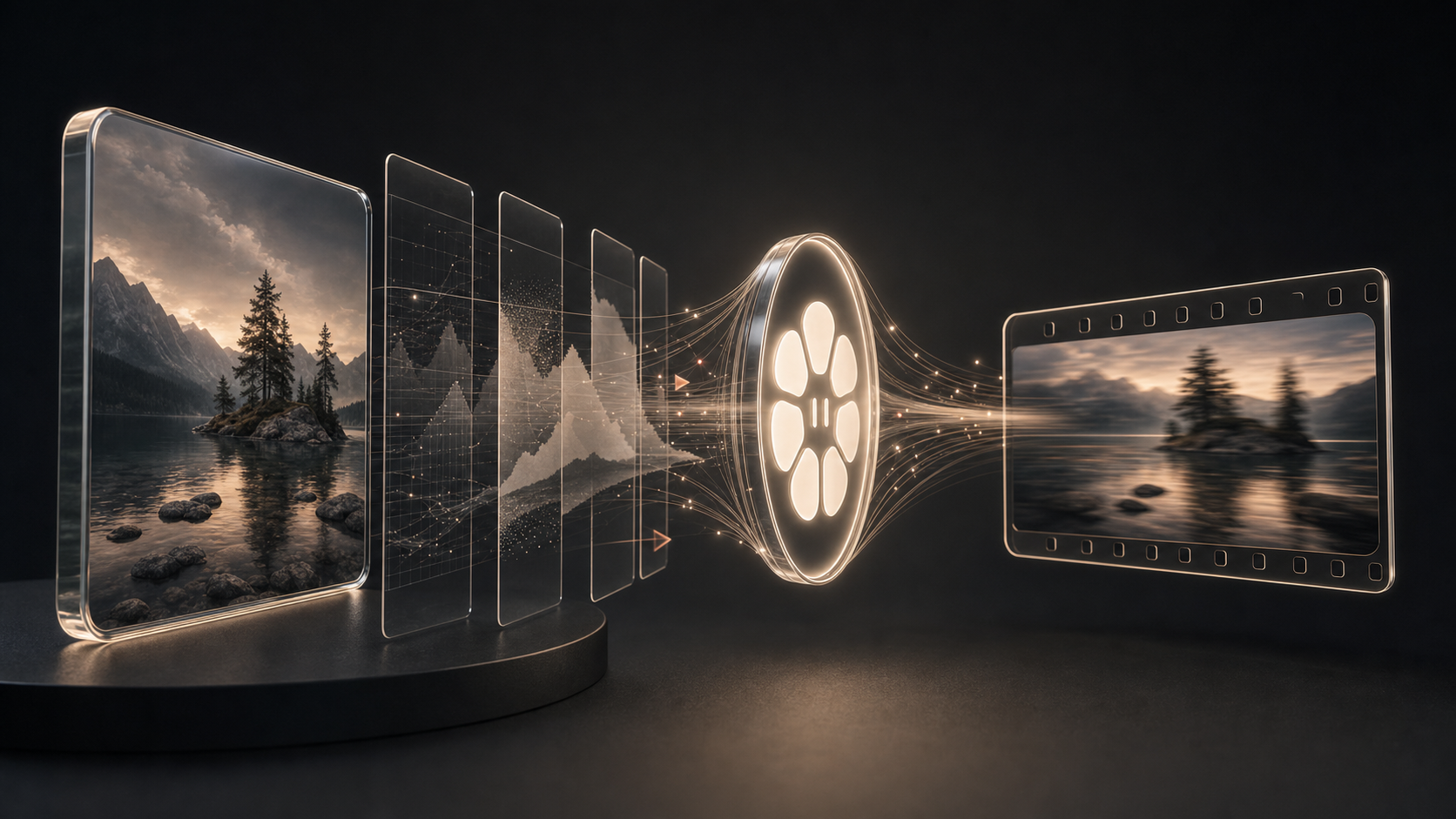
Spatial Scene is for one small job: turn one image into a short motion clip in the browser.
That is useful when you want to test whether a still photo can carry motion before you open a larger editor or pay for a heavier video workflow. It is not trying to be a full AI video studio. It does not create a new scene. It moves the source image with depth-based camera motion, so the image stays recognizable.
The tool accepts PNG, JPEG, and WebP images. It can export a short MP4 or WebM clip, depending on browser support.
Use this if
Use Spatial Scene when you want:
- one still image turned into a short motion clip;
- a quick product-photo motion test;
- a small visual preview for social or a product page;
- a motion idea before a full edit;
- a browser render with no image upload path;
- a non-generative motion effect that keeps the original image.
The best source image has clear depth: foreground, middle distance, and background. Product photos, room shots, and layered lifestyle images usually work better than flat graphics.
Do not use this if
Do not use it when you need:
- a full video editor;
- subtitles, music, voiceover, or a timeline;
- text-to-video or new object generation;
- batch rendering;
- cloud GPU rendering;
- guaranteed 1080p clean export;
- the same result on every browser and device.
The render is experimental. Quality depends on browser, device, source image, and resolution. ML depth mode may download a model and runtime on first use. If ML depth fails, the tool can fall back to a faster local depth method.
Avoid images where important text or logos sit near the edge. Depth motion can bend small details.
Alternatives and trade-offs
Compare by job, not by model hype.
| Tool | Shape | Good for | Watch out for |
|---|---|---|---|
| KikuAI Spatial Scene | Browser short-motion render | One-image motion preview that keeps the source image | Experimental render, browser limits |
| Runway | Broad AI video toolkit | Larger creative video generation and editing | More tool than a quick still-photo preview |
| Pika | Photo-to-video and effects app | Fast creative experiments | More stylized generation |
| Luma AI | Generative video model/product | Prompt or image-driven video generation | Not a small deterministic preview tool |
| Adobe Firefly | Creative suite image-to-video | Adobe workflow and camera controls | Broader suite dependency |
| Kapwing | Online editor with AI video tools | Image-to-video plus editing workflow | Bigger editor surface |
| VEED | Browser video suite | Social video editing, captions, and edits | Not focused only on one-image motion |
| Canva | Design suite photo-to-video | Simple design-first social clips | Template/editor workflow |
| Kaiber | Creative video suite | Music-led and multi-shot creator workflows | More elaborate than a quick preview |
Spatial Scene is narrow on purpose. Use it when the question is: “Can this one image look useful with a small camera move?”
Use a broader editor when the question is: “Can I build a finished video with scenes, prompts, audio, captions, and brand assets?”
Simple workflow
- Open Spatial Scene.
- Drop in a PNG, JPEG, or WebP image.
- Pick a motion preset.
- Start with Fast mode for a quick preview.
- Try ML depth if your browser and device handle it well.
- Review the clip.
- Download MP4 or WebM.
- If the output bends text or edges, try a cleaner image or crop.
If you are testing a product ad, start with Product photo to video ad. If you want a CapCut-style reference, see CapCut 3D Zoom alternative.
FAQ
Does Spatial Scene upload my image?
The tool is designed with no upload path for image rendering. The image is decoded, animated, and exported in the browser session.
Is it generative video?
No. It does not invent new objects, faces, or text. It moves the source pixels with depth-based motion.
What files can I use?
PNG, JPEG, and WebP.
What export do I get?
A short MP4 or WebM clip, depending on browser support.
What if ML depth fails?
Use Fast mode. It is less ambitious, but it can still give a quick local preview.
Should I use this instead of Runway, Firefly, Canva, or VEED?
Use Spatial Scene for a quick one-photo motion preview. Use a broader tool when you need generation, editing, captions, audio, or a finished video workflow.
Try it
Open the tool: Spatial Scene.
Related pages:
Sources
- https://kikuai.dev/tools/spatial-scene/
- https://kikuai.dev/tools/product-photo-to-video-ad/
- https://kikuai.dev/tools/capcut-3d-zoom-alternative/
- https://github.com/kiku-jw/spatial-scene-api
- https://runwayml.com/product
- https://pika.art/
- https://luma.ai/
- https://www.adobe.com/products/firefly/features/image-to-video.html
- https://www.kapwing.com/ai-video-generator
- https://www.veed.io/
- https://www.canva.com/features/photo-to-video/
- https://kaiber.ai/
Read next
Related posts from the same topic area or overlapping tags.
Products
Prepare SRT from a long video without manual timing
A practical guide to long-video subtitles: what to check before transcription, what files you need, and when a transcript editor or caption service fits better.
Products
Redact logs before sharing them with support or AI
A practical guide to masking obvious private values in logs, text, and CSV files before sharing them with support, teammates, GitHub issues, or AI tools.
Products
Fix Articulate XLF/XLIFF import errors after translation
A practical guide to checking a translated Articulate XLF/XLIFF file before re-import, with local diagnosis, safe repair limits, and fair alternatives.
Follow the lab