
What you provide
- A screenshot containing a table, dashboard, or list-like layout
- One or several screenshots
- An optional output choice: Markdown, CSV, or TSV
A focused Custom GPT for turning visible tables, dashboard rows, and structured lists into reusable data without completing cropped cells.
Runs inside ChatGPT. Sign-in and current ChatGPT plan availability may apply. No Store position or anonymous access is promised.
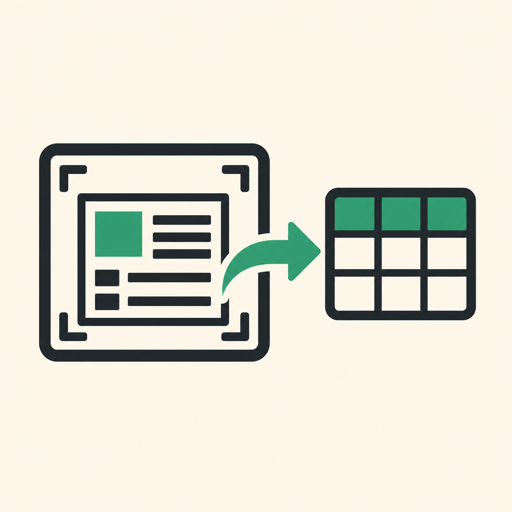
Illustrative input
A dashboard screenshot with Plan, Seats, and Price columns. One Seats value is cut off at the edge.
Expected format
| Plan | Seats | Price |
| --- | ---: | ---: |
| Starter | 3 | $19 |
| Team | [cropped] | $49 |

Notes: One cell is cropped in the source.
Illustrative format only. The values are synthetic and are not a live GPT result.
The screenshot is sent to ChatGPT. Crop or redact customer data, internal identifiers, credentials, and confidential dashboard details before uploading when those fields are not required.
Yes. Ask for CSV and the GPT is instructed to return valid comma-separated rows in a fenced block.
It should not. If any part of a cell is cut off, the full cell should be replaced with [cropped] so a partial value does not look complete.
The prompt asks for clearly labeled sections and separate CSV or TSV blocks when the tables use incompatible schemas.
The default job is extraction only. You can ask for analysis after you have checked the extracted rows.
Choose another input and output contract from the same verified page set.
Store-public readback: 2026-07-26
A narrow Custom GPT for faithful transcription. It preserves visible structure, labels uncertainty, and returns the text before any explanation.
A one-job Custom GPT with a fixed 16-column schema for visible receipt and invoice data. Missing fields stay blank and obscured fields are marked.